



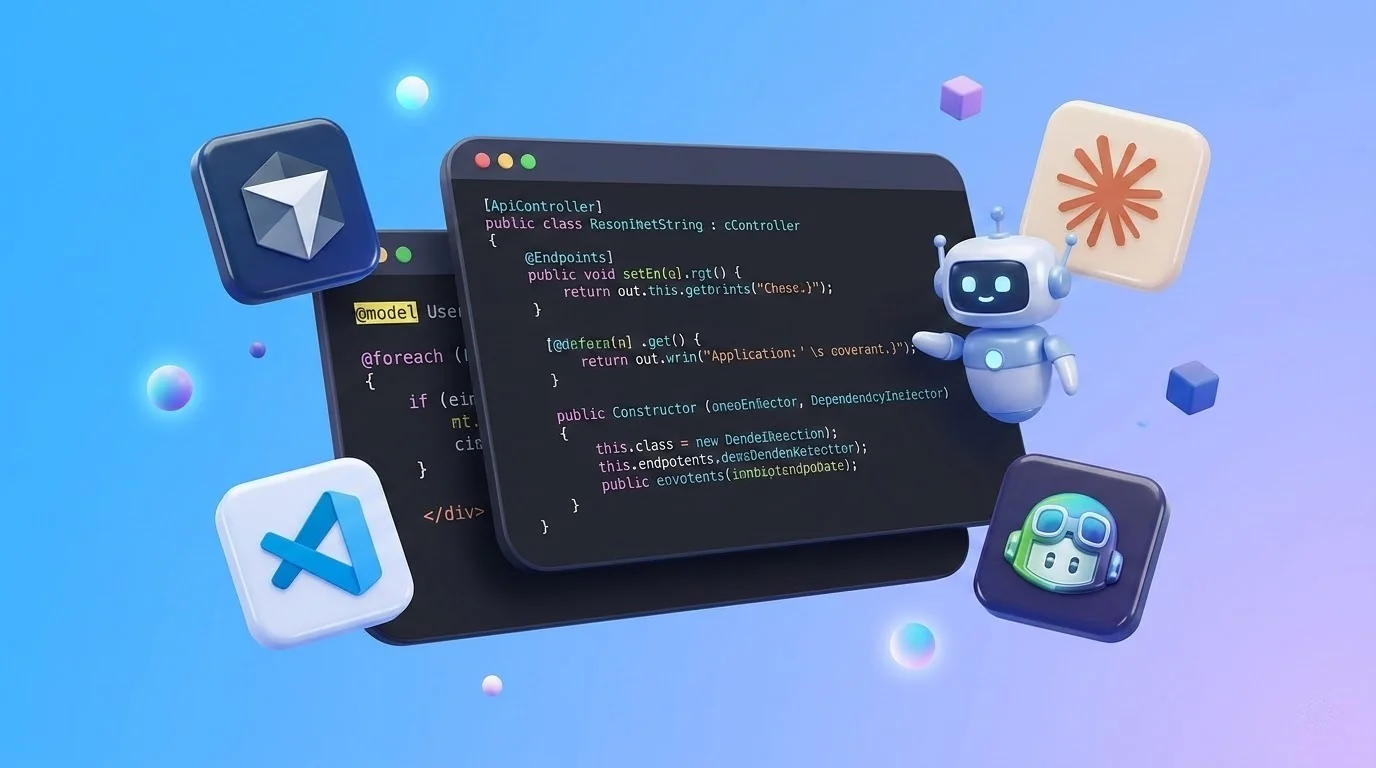
AI coding tools have moved from novelty to everyday infrastructure in many developers’ workflows. What started as simple autocomplete systems has evolved into full-scale assistants capable of generating functions, refactoring codebases, writing tests, and even debugging complex systems.
But with so many options now available, the real question isn’t whether to use AI coding tools—it’s which one is actually worth your time, money, and trust.
The answer depends less on hype and more on how each tool fits into real development workflows: speed, context awareness, integration, and reliability.
The New Reality: AI Is Now Part of the IDE Layer
Modern AI coding tools are no longer separate utilities. They are embedded directly into development environments, terminals, and even CI pipelines.
This shift means developers are no longer “asking AI for code” occasionally—they’re working alongside AI continuously.
The main categories of tools today include:
- IDE copilots (inline code generation and suggestions)
- Chat-based coding assistants (interactive problem-solving)
- Agent-based coding systems (multi-step autonomous coding tasks)
- Specialized tools (testing, debugging, documentation generation)
Each category solves a different problem, and comparing them directly requires understanding what job you actually need done.
1. GitHub Copilot: The Default Baseline
GitHub Copilot is still the most widely adopted AI coding assistant and for good reason: it integrates seamlessly into popular IDEs and provides fast, context-aware code suggestions.
Strengths:
- Excellent autocomplete and inline suggestions
- Strong integration with Visual Studio Code and JetBrains IDEs
- Works well for boilerplate, repetitive patterns, and common frameworks
- Low friction—feels like a natural extension of the editor
Weaknesses:
- Limited understanding of large-scale architecture
- Sometimes suggests plausible but incorrect logic
- Less effective for multi-file reasoning
Best for:
Everyday development, speeding up routine coding, and reducing boilerplate.
Copilot is not trying to replace thinking—it’s trying to reduce typing friction.
2. ChatGPT (and Coding via Chat Interfaces): The Flexible Problem Solver
OpenAI’s ChatGPT has become a general-purpose coding assistant used for everything from debugging to system design.
Strengths:
- Strong reasoning across multiple programming languages
- Excellent for explaining errors and concepts
- Useful for architecture planning and refactoring ideas
- Good at generating tests and debugging strategies
Weaknesses:
- Not directly integrated into the code editor by default
- Requires context switching between chat and IDE
- Can produce overconfident but incorrect suggestions
Best for:
Debugging, learning, system design, and “why is this broken?” type problems.
Chat-based tools are less about autocomplete and more about reasoning support.
3. Cursor: AI-Native Code Editor
Cursor represents a newer generation of AI-first development environments built around the idea that AI should be embedded into the entire coding workflow—not just added on top.
Strengths:
- Deep codebase awareness (multi-file understanding)
- Inline editing with natural language commands
- Strong refactoring capabilities across projects
- Feels closer to an “AI pair programmer” than a suggestion tool
Weaknesses:
- Still evolving; occasional stability or edge-case issues
- Requires workflow adjustment compared to traditional IDEs
- Can feel “heavy” for small scripts or quick edits
Best for:
Large projects, refactoring-heavy workflows, and developers who want AI deeply integrated into the editor.
Cursor is closer to an AI-driven development environment than a plugin.
4. Amazon CodeWhisperer: Enterprise-Focused Assistance
Amazon CodeWhisperer is positioned heavily toward enterprise and cloud-native development, especially within the AWS ecosystem.
Strengths:
- Strong integration with AWS services
- Good security-focused suggestions
- Useful for backend and infrastructure code
- Enterprise governance and compliance features
Weaknesses:
- Less flexible outside AWS-heavy stacks
- Not as strong in general-purpose reasoning compared to other tools
- Smaller community footprint
Best for:
Teams building heavily on AWS infrastructure who prioritize compliance and security.
5. Tabnine: Privacy and Local-First Focus
Tabnine takes a different approach by emphasizing privacy and local model deployment options.
Strengths:
- Strong focus on privacy and code confidentiality
- Can run locally or in controlled environments
- Predictable, consistent autocomplete behavior
- Enterprise-friendly deployment options
Weaknesses:
- Less powerful reasoning compared to newer LLM-based tools
- Weaker multi-step code generation
- Smaller feature set compared to competitors
Best for:
Organizations with strict privacy requirements or offline development environments.
6. Replit Ghostwriter: Cloud-Native Coding Assistant
Replit integrates AI directly into its browser-based development environment.
Strengths:
- Fully cloud-based workflow (no setup required)
- Good for rapid prototyping
- AI tightly integrated into runtime environment
- Easy collaboration
Weaknesses:
- Limited for large-scale production systems
- Dependent on browser-based workflow
- Less control over infrastructure
Best for:
Beginners, prototyping, education, and lightweight full-stack apps.
Key Comparison: What Actually Matters
When comparing AI coding tools, the real differences come down to five factors:
1. Context depth
Can the tool understand your entire codebase or just the current file?
2. Integration level
Is it embedded in your IDE or separate from your workflow?
3. Reasoning ability
Can it debug and explain, or only complete patterns?
4. Control vs automation
Does it suggest code, or actively modify systems?
5. Ecosystem fit
Does it work naturally with your stack (cloud, language, framework)?
So Which One Is Actually Worth It?
There is no single winner, but clear patterns emerge:
- For daily coding efficiency → GitHub Copilot
- For debugging and architecture thinking → ChatGPT-style tools
- For large-scale AI-native workflows → Cursor
- For AWS-heavy enterprise systems → CodeWhisperer
- For privacy-focused environments → Tabnine
- For rapid prototyping → Replit Ghostwriter
The most important shift is that these tools are not mutually exclusive. Many developers now use multiple tools depending on the task.
The Real Trade-Off: Speed vs Understanding
AI coding tools fundamentally introduce a trade-off:
- You gain speed and automation
- You risk reduced deep engagement with the code
This doesn’t mean AI makes developers worse—it means the role changes. Developers increasingly focus on:
- System design
- Validation and testing
- Prompting and guiding AI tools
- Reviewing generated output critically
In other words, the skill is shifting from “writing code” to “directing code generation.”
Conclusion
AI coding tools are no longer experimental—they are foundational parts of modern development workflows. But their value depends heavily on context.
Some tools excel at speed and autocomplete, others at reasoning and debugging, and others at full workflow automation.
The most effective developers aren’t choosing a single tool. They’re building a stack of AI assistants, each used for what it does best.
The real question is no longer “which tool is best?” but “which combination of tools fits how you build software?”





Comments are closed